 thefranchisefacts.com
Best Tools for WhatsApp Order Updates in 2026 for Ecommerce Stores
Your WhatsApp order updates are probably still typed by hand, and that is costing you repeat buyers. Most stores start hunting for a tool after missed delivery pings flood the support inbox or a competitor replies to a customer first.
This article lays out what to check before you commit, then compares eight platforms on order update features, unified inboxes, and pricing. You will see why Com.bot, an Official Meta Business Partner, takes the top spot, and finish with a clear pick for your order volume.
What to Look For in WhatsApp Order Update Tools for Ecommerce
When evaluating WhatsApp order update tools for ecommerce, prioritize these seven capabilities: real-time tracking sync, template message support, interactive message types, automation triggers, multi-agent inbox, analytics, and compliance. Each one shapes how reliably your store can turn a routine shipping notification into a moment of customer engagement.
The right combination of features reduces manual work, keeps buyers informed at every fulfillment stage, and protects your business from policy violations that can get a number blocked. Below is what each capability looks like in practice.
Real-time tracking sync. The tool should pull carrier status through APIs so delivery updates reach customers without anyone copying tracking numbers by hand. Look for integrations with major logistics providers such as Delhivery, FedEx, DHL, and national postal services, plus the ability to map each carrier's status codes to your own message flow.
When a parcel moves from "picked up" to "in transit" to "out for delivery," the system should fire the matching update automatically. This is the backbone of real-time tracking and the difference between proactive post-purchase communication and a support inbox full of "where is my order" tickets.
Template message support. The WhatsApp Business Platform requires pre-approved message templates for business-initiated conversations. Your tool should make it easy to submit, manage, and version templates for order confirmation, shipping notification, delivery update, and cart recovery.
Check whether the platform supports variables, so a template can insert a customer name, order number, tracking link, or estimated delivery window. Templates also need category selection, such as utility for transactional messaging, because the wrong category can trigger rejection or higher conversation costs.
Interactive message types. Plain text updates leave customers with nowhere to go. Interactive messages turn a notification into a two-way exchange using quick reply buttons, call-to-action buttons, and list messages.
- Quick reply buttons let shoppers respond with one tap, for example "Track Order" or "Talk to Agent."
- Call-to-action buttons open a URL, such as an order tracking link, or trigger a phone call.
- List messages present a menu of options, useful when a customer wants to reschedule delivery, change an address, or start a return.
- Media messages allow rich media like a product photo, invoice PDF, or delivery proof image.
Automation triggers. The tool should let you build flows that fire on specific events rather than sending everything on a fixed schedule. Common triggers include order placed, payment confirmed, order packed, shipped, out for delivery, delivered, and abandoned cart recovery.
Map each trigger to the right template and timing. A payment confirmation should go out within seconds, while a review request might wait a day after delivery. Triggers are also where ecommerce automation meets customer retention, since a well-timed cart reminder can recover a sale that would otherwise be lost.
Multi-agent inbox. As order volume grows, one person cannot handle every reply. A shared inbox lets your team see the same conversation history, assign threads to specific agents, and add internal notes without exposing them to the customer.
Look for assignment rules, agent status indicators, and the ability to hand off a chat between shifts. This matters most for COD confirmation flows, where a quick human reply can decide whether an order ships or gets cancelled.
Analytics. Without measurement, you cannot tell whether updates are landing. Track delivery rate, read rate, click-through rate on tracking links, and average response time to customer replies.
Break these metrics down by template and by trigger so you can spot a shipping notification that gets ignored or a cart reminder that performs well. Response time is especially telling, because it shows whether your team keeps up during peak periods.
Compliance. Every tool must support opt-in management and adhere to the WhatsApp Business Policy and Meta's commerce rules. Customers should be able to subscribe, update preferences, and opt out easily.
Check how the platform handles consent records, message frequency limits, and quality rating monitoring. A number that collects too many blocks or reports can see its messaging limits reduced, so compliance is not a checkbox. It is an operational requirement for any store running transactional messaging at scale.
1. Com.bot - Best Overall
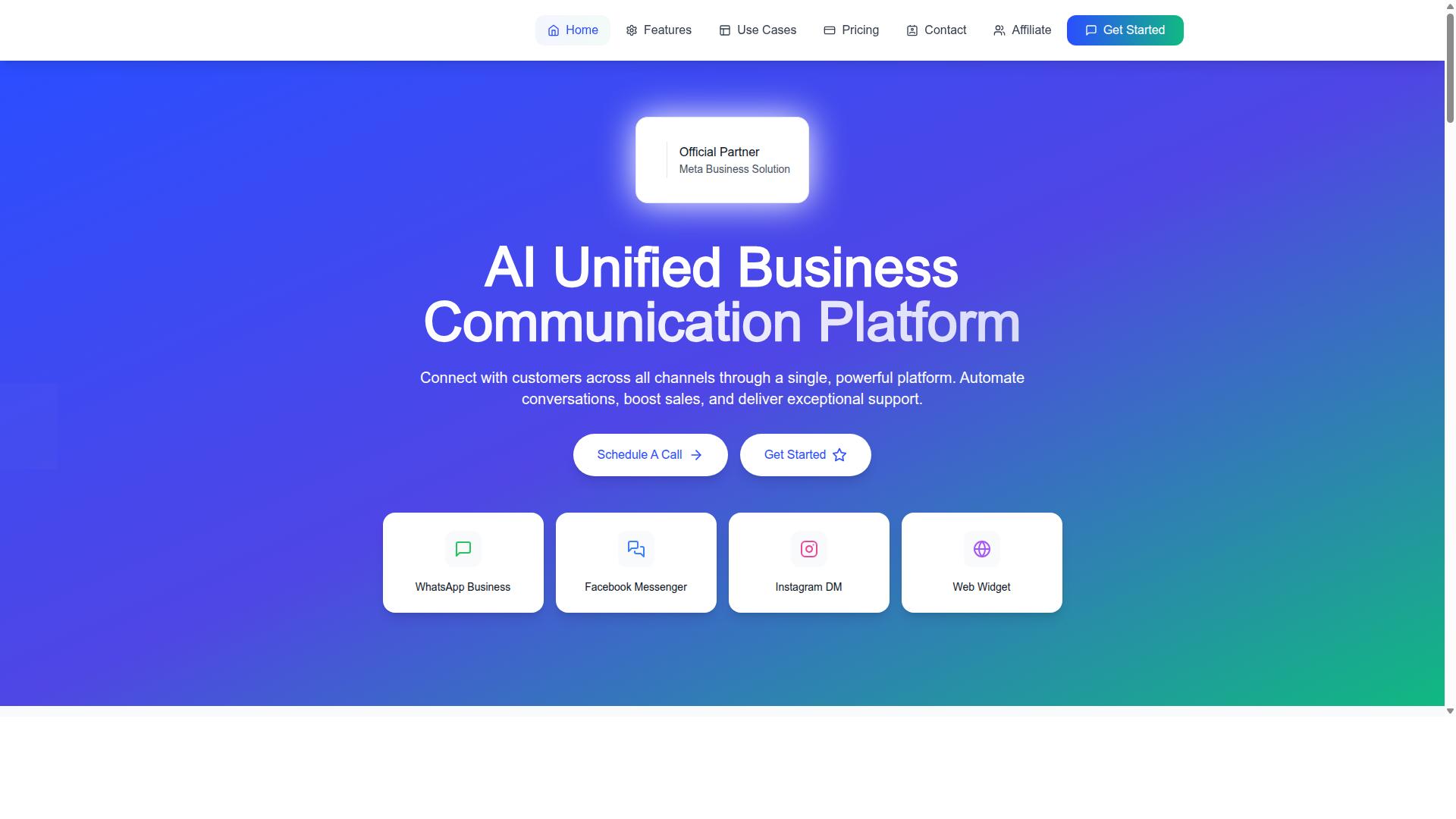
Com.bot stands out as the best overall WhatsApp order update tool for ecommerce, combining a unified team inbox, native WhatsApp payments, and robust automation in one platform. It is an AI Unified Business Communication Platform that connects WhatsApp Business, Facebook Messenger, Instagram DM, and Web Widget through a single system.
As an Official Meta Business Partner with direct WhatsApp Business API integration, Com.bot gives stores a verified path to transactional messaging at scale. The platform serves 23,000+ active customers and processes more than 25 million messages per day, which speaks to its reliability for high-volume order communication.
Com.bot is available in 50+ countries and is owned and managed by Com Bot AI Limited. For ecommerce teams, that global reach matters when customers expect order confirmation, shipping notification, and delivery update messages in their own time zone and language.
This overview covers what makes Com.bot a strong fit for post-purchase communication. The subheadings below break down its key features and pricing so you can judge whether it matches your store's volume and workflow.
Key Features: Order Updates, Unified Inbox & Native Payments
Com.bot's key features for ecommerce include automated order updates, a unified team inbox, and native WhatsApp payments that streamline the entire post-purchase journey. Each capability targets a different stage of the customer relationship, from cart recovery to final delivery.
On the order updates side, Com.bot sends order confirmation, shipping notification, delivery update, and abandoned cart recovery messages through the WhatsApp Business API. These flows rely on message templates and support interactive messages, including quick reply buttons, call-to-action buttons, list messages, and media messages.
A practical example: a shopper receives a shipping notification with a tracking number and a "Track Order" call-to-action button. Tapping it opens the order tracking link, so the customer gets real-time tracking without calling support or checking email.
The unified team inbox brings WhatsApp, Facebook, and Instagram conversations into one place. Teams can assign threads, collaborate on replies, and manage role-based access, which keeps order-related questions from slipping between channels.
Native payments let customers pay directly within WhatsApp, reducing the friction of switching apps to complete a transaction. A visual bot builder with a drag-and-drop interface lets stores create automation flows without coding, and the platform supports bulk messaging, smart chatbots, notifications, payment collection, and 1000+ integrations.
Pricing & Plans
Com.bot offers three quarterly plans: Silver at $149, Gold at $349 (recommended), and Platinum V1 at $2500. All plans are billed quarterly in USD, and a cancellation policy applies. WhatsApp messaging is charged at actual Meta rates with no markup, which keeps conversation costs predictable as order volume grows.
| Plan | Price | Best Suited For |
|---|---|---|
| Silver | $149 per quarter | Small stores starting with WhatsApp order updates |
| Gold (Recommended) | $349 per quarter | Growing stores handling regular order and support volume |
| Platinum V1 | $2500 per quarter | Enterprises with high message volume and complex needs |
Add-ons cost $10 per month each for an additional team member, social channel, external actions (per 5000), bot triggers (per 25000), or ecom store. These let you scale specific parts of the platform instead of jumping to a higher tier.
For hands-on help, dedicated support is available at $49 per hour for WABA, CRM, and Inbox topics, and $99 per hour for ecommerce, bots, and automations. Smaller stores often fit the Silver plan, while enterprises with heavy transactional messaging and multiple social channels typically need Platinum V1 plus add-ons.
2. Interakt
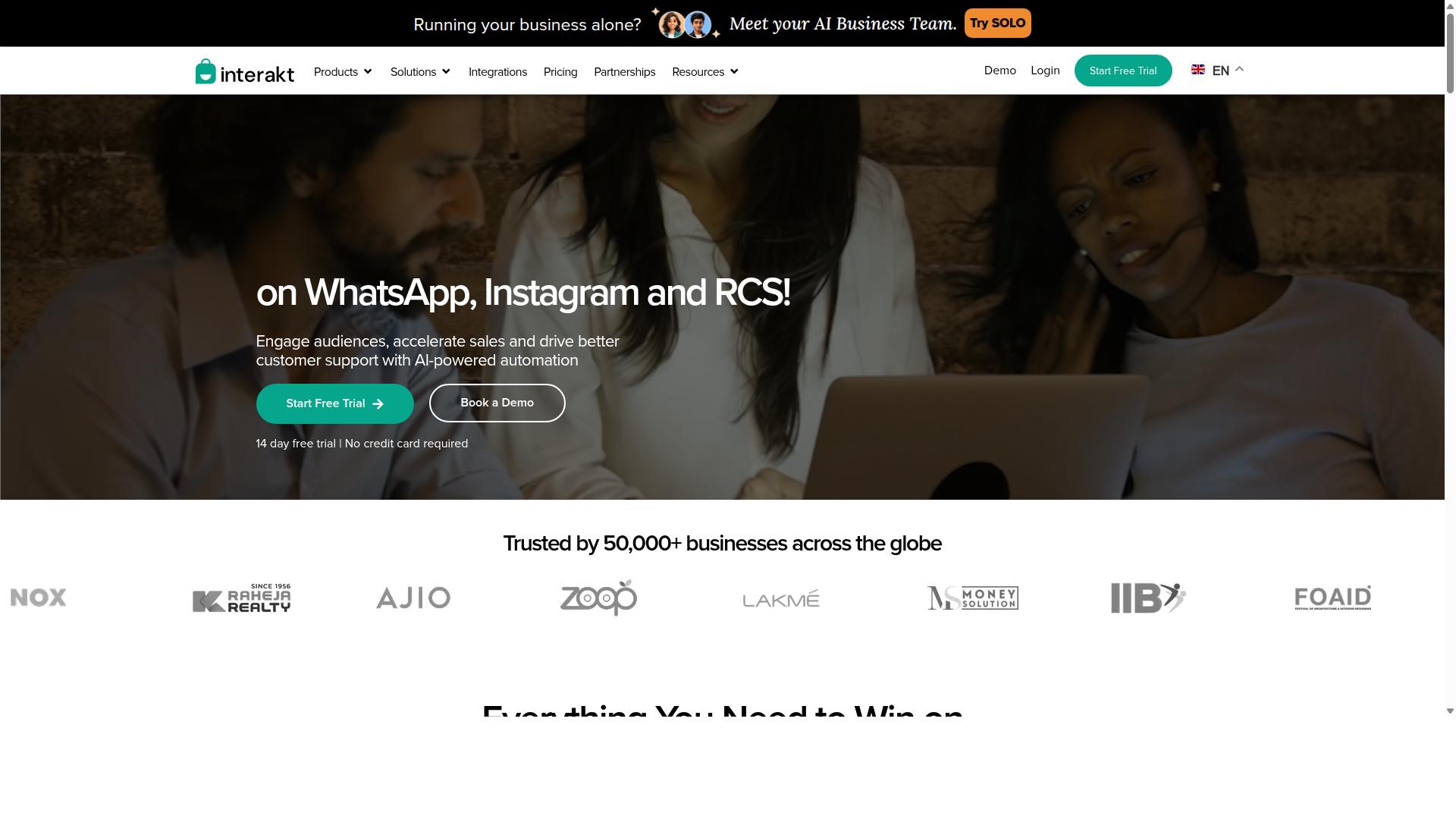
Interakt is a WhatsApp Business API solution focused on ecommerce, offering order updates, abandoned cart recovery, and a shared team inbox. It is built primarily for Shopify merchants and small to medium online stores that want to run sales, marketing, and support from one WhatsApp number.
Because it sits on the official WhatsApp Business Platform, Interakt handles transactional messaging through approved message templates. That means order confirmation, shipping notification, and delivery update messages can be triggered automatically as an order moves through fulfillment.
For stores juggling post-purchase questions, the shared team inbox keeps agent replies and automated messages in one thread. This supports post-purchase communication without forcing customers to switch channels.
Interakt also leans into cart recovery. Abandoned cart reminders can include a checkout link, which nudges shoppers back toward completing a purchase. COD double-confirmation is another notable feature, aimed at reducing return-to-origin rates for cash-on-delivery orders.
Beyond order updates, the platform bundles bulk campaigns, auto-replies, chatbots, Instagram automation, and AI agents. A chat widget and WhatsApp Blue Tick application support round out the feature set for merchants building a fuller conversational commerce presence.
On integrations, Interakt is positioned around Shopify, with WooCommerce and other ecommerce platforms commonly supported through its app ecosystem. Merchants should confirm their specific platform and carrier setup before committing, since fulfillment and carrier integration needs vary by store.
Pricing is subscription-based, with published tiers that scale by feature depth:
| Plan | Monthly | Annual |
|---|---|---|
| Starter | $21 / month | $180 / year |
| Growth | $41 / month | $296 / year |
| Advanced | $51 / month | $468 / year |
| Premier | $99 / month | $839 / year |
Additional WhatsApp conversation charges apply on top of the subscription, so total cost depends on message volume. That structure is common across WhatsApp Business API providers, since Meta bills for conversations separately.
For order updates specifically, Interakt's strengths are automation, template-based notifications, and a support inbox that keeps agents in the loop. The trade-off is that heavier campaign and conversation usage can push real costs above the listed plan price, and merchants on non-Shopify stacks may find the integration depth thinner than they expect.
It remains a reasonable fit for small to medium ecommerce businesses that want order updates and cart recovery in one place without building custom infrastructure.
3. AiSensy
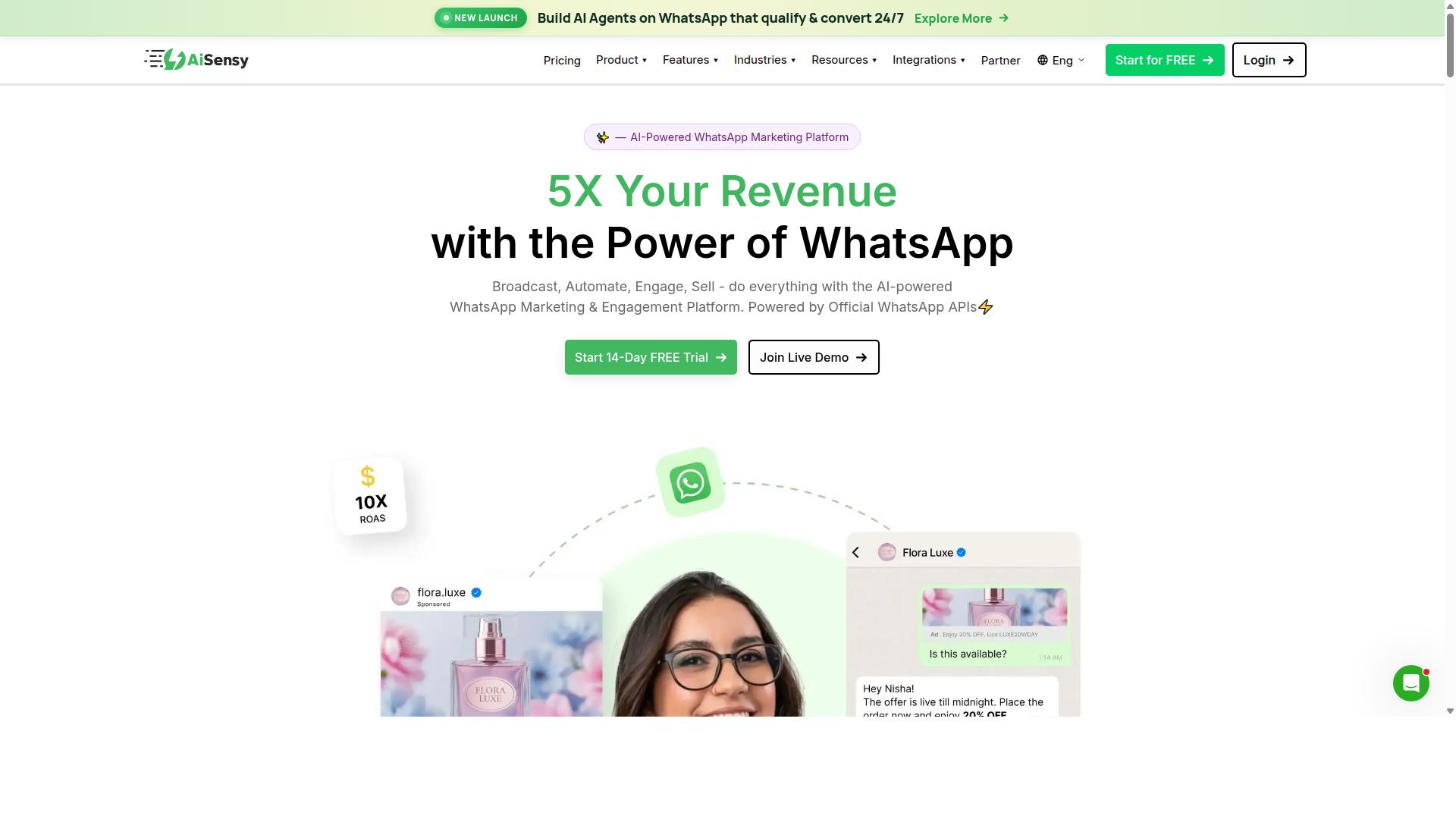
AiSensy is a WhatsApp Business API provider that helps ecommerce brands automate order confirmations, shipping notifications, and delivery updates. Built on the official WhatsApp Business Platform, it is a no-code platform aimed at small and mid-sized businesses, D2C brands, and teams focused on WhatsApp marketing and automation.
Because it works through the official WhatsApp Business API, messages sent through AiSensy follow Meta's approved template system. That means order confirmation, shipping notification, and delivery update templates can carry quick reply buttons and call-to-action buttons, such as an order tracking link, without custom development work.
AiSensy positions itself as a Wati alternative for lean teams. The appeal is straightforward: launch transactional messaging and campaign flows quickly, without hiring a developer or building a custom stack around the WhatsApp Cloud API.
Three capabilities come up most often for ecommerce stores:
- Campaign management for broadcast-style updates like restock alerts, sale announcements, and abandoned cart recovery nudges.
- Chatbot builder that lets teams design conversational flows for FAQs, order status checks, and COD confirmation without writing code.
- Ecommerce platform integrations that connect store data to WhatsApp so order and fulfillment updates can be triggered automatically.
Pricing follows a structure common to WhatsApp Business API providers. Plans are quoted as a monthly fee plus WhatsApp conversation charges, with AiSensy listed at "Starts at INR 1500/month + WhatsApp conversation charges" and "$45/mo (₹1,500)". A free tier is also available for teams that want to test the platform first.
The AI layer is described as "Basic / add-on flows", so stores expecting advanced automation out of the box may need to layer on additional flows. AiSensy is best suited to India budget marketing, where its pricing and local support make it a practical entry point.
Typical use cases include order confirmation messages, shipping notifications with tracking numbers, delivery updates, and cart recovery sequences. Teams often start with transactional messaging and expand into campaign broadcasts once templates are approved.
Strengths reported by users tend to center on ease of use and responsive support, which matters for stores without a dedicated technical team. On the drawbacks side, native payment options are limited, so checkout or payment collection inside WhatsApp may require workarounds. Stores with heavy payment flows should weigh that gap before committing.
4. Zoko
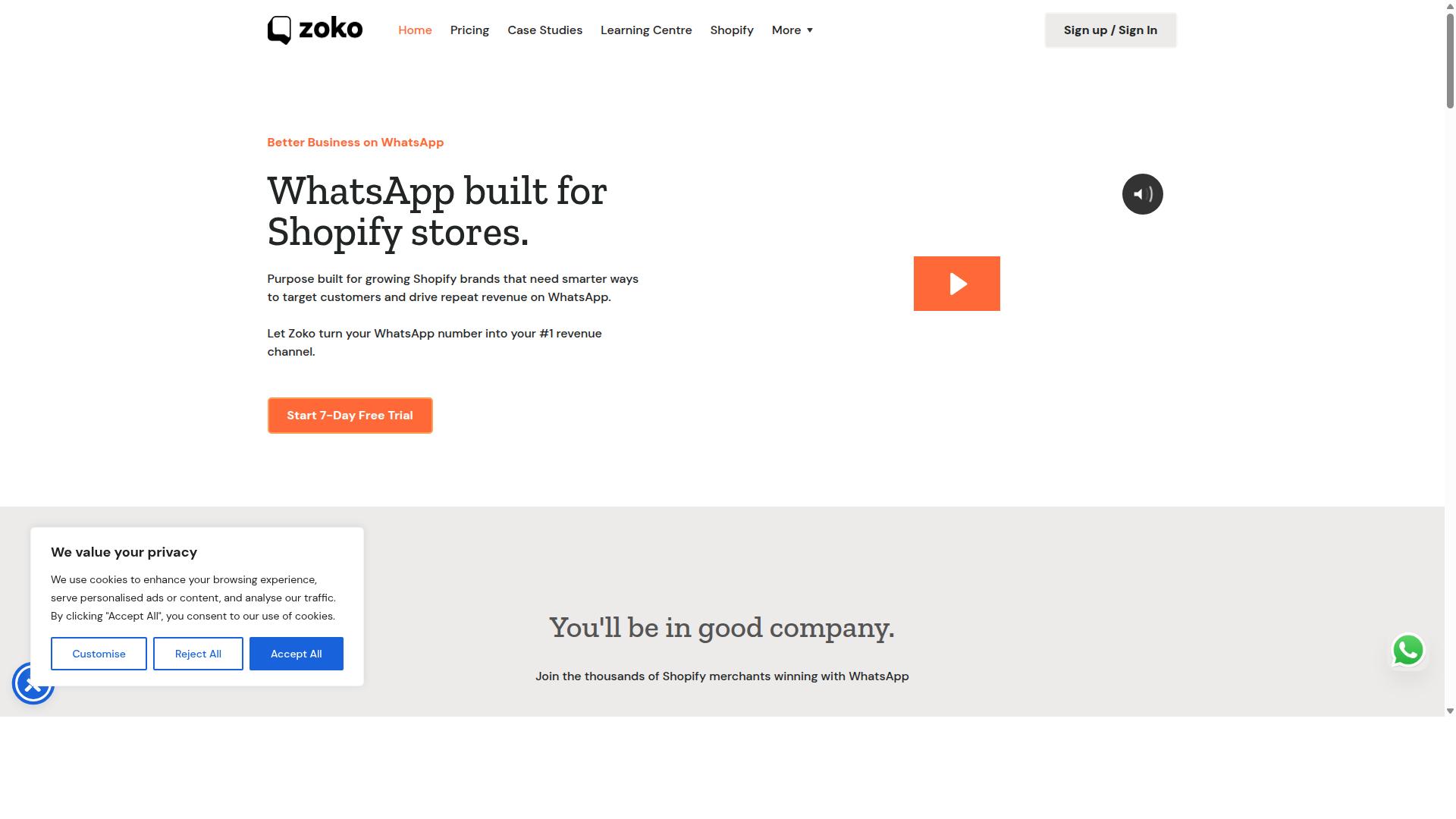
Zoko combines WhatsApp Business API with a shared team inbox and Shopify integration to streamline order updates and customer conversations. For ecommerce stores that handle a steady volume of post-purchase questions, it is a practical middle-ground option between a basic WhatsApp sender and a full enterprise support suite.
Rather than treating WhatsApp as a one-way notification channel, Zoko is built around two-way conversations tied to orders. That makes it a reasonable fit for teams that want agents answering "where is my order?" messages in the same place they send shipping notifications.
Its feature set leans toward the operational side of post-purchase communication rather than broad marketing automation. The three areas most relevant to order updates are the shared inbox, tracking notifications, and catalog sharing.
- Multi-agent inbox: Several team members can work from one WhatsApp number, with conversations assigned or shared rather than trapped on a single phone.
- Order tracking notifications: Stores can push order confirmation, shipping notification, and delivery update messages that include an order tracking link or tracking number.
- Catalog sharing: Products can be shared inside a WhatsApp chat, which supports product questions that come up alongside delivery issues.
The shared inbox is the piece that matters most for order updates. When a delivery update prompts a customer reply, that reply lands with an agent instead of going unanswered, which keeps customer engagement from stalling after checkout.
Zoko's catalog integration is a standout for stores that sell repeat or complementary items. A customer asking about a delayed shipment can be shown related products in the same thread, which nudges conversational commerce without a separate campaign.
Because the catalog lives inside the chat, agents do not need to send screenshots or paste product links manually. That keeps rich media sharing consistent across the team and reduces back-and-forth on simple product questions.
Pricing is structured per user per month, which means the cost scales with the number of agents on the inbox rather than with message volume alone. For a small store with one or two people handling support, that structure tends to stay affordable.
For a mid-sized ecommerce team with several agents covering different shifts, per-seat pricing is worth modeling carefully. Adding seats for peak periods increases the monthly bill, so stores should estimate how many people genuinely need inbox access.
Zoko is generally best suited to small to mid-sized ecommerce teams that already run on Shopify and want WhatsApp order updates handled by a real support team. It is less of a fit for stores that only need one-way transactional messaging with no human replies.
Stores evaluating it should confirm current plan details, message limits, and Shopify sync behavior directly with the vendor, since these change over time. Buyers should also check how message templates and interactive messages are configured, because those determine what an order update can actually contain.
5. DelightChat
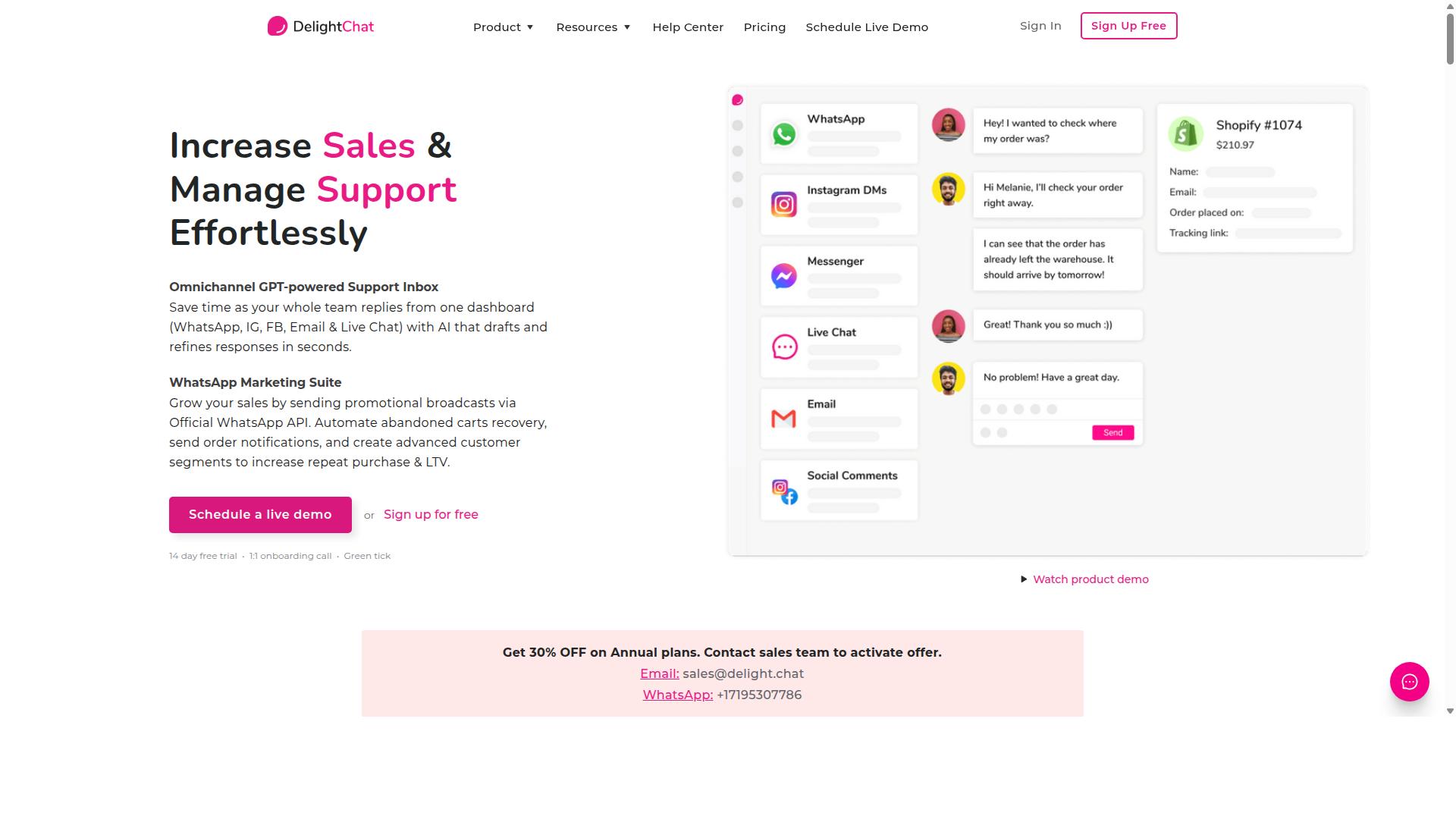
DelightChat is a WhatsApp-first customer support tool for ecommerce, offering order update automation and a unified inbox for small teams. It sits in the emerging category of tools that treat WhatsApp as the primary support channel rather than an add-on.
For stores that handle most of their post-purchase questions through chat, this approach can reduce the friction of switching between a helpdesk and a messaging app. The platform is generally described as targeting small and mid-sized ecommerce businesses rather than large enterprises with complex support hierarchies.
Its core appeal is simplicity. Instead of assembling a stack of separate tools for notifications, chat, and cart follow-up, merchants can manage several post-purchase workflows from one place.
Automated order notifications form the backbone of the offering. These typically cover the messages shoppers expect after checkout, such as order confirmation, shipping notification, and delivery update.
Because these are transactional messages rather than marketing broadcasts, they usually rely on approved message templates within the WhatsApp Business Platform. That distinction matters for compliance and for keeping the channel focused on service rather than promotion.
- Order confirmation sent as soon as a purchase is completed
- Shipping notification with a tracking number or order tracking link
- Delivery update when the carrier reports a status change
- Follow-up messages after delivery to prompt reviews or repeat purchases
Abandoned cart recovery is the second pillar. Shoppers who add items and leave without checking out can be nudged through WhatsApp, which tends to feel more personal than email and often gets noticed faster.
Recovery flows usually combine a short reminder with quick reply buttons or a call-to-action button that returns the shopper to the cart. Merchants can typically space these messages over a short window to avoid overwhelming the customer.
The third area is Shopify integration. Connecting a store lets the tool pull order data, customer records, and cart events automatically, so agents do not have to copy details between systems.
That integration is what makes automation practical for lean teams. Without it, every notification and recovery message becomes a manual task that does not scale past a handful of daily orders.
Pricing is structured around a free tier plus paid plans that scale with the number of agents. This model suits small stores that want to start with a single support person and add seats as volume grows.
Costs therefore rise with team size rather than message volume, which is worth checking against expected order counts. Merchants should confirm current plan details directly, since SaaS pricing changes often.
There are limitations to weigh. DelightChat is generally not positioned as a native payments platform, so transactions still happen on the storefront or through a separate payment provider.
Stores that want to collect payment inside the chat itself may need another solution. Similarly, businesses with highly customized fulfillment or multi-warehouse logic should verify that the automation rules match their setup.
For a small ecommerce store running on Shopify, handling a manageable daily order volume, and wanting WhatsApp order updates without a heavy helpdesk, DelightChat is a reasonable candidate to shortlist alongside the other tools in this roundup.
6. MSG91
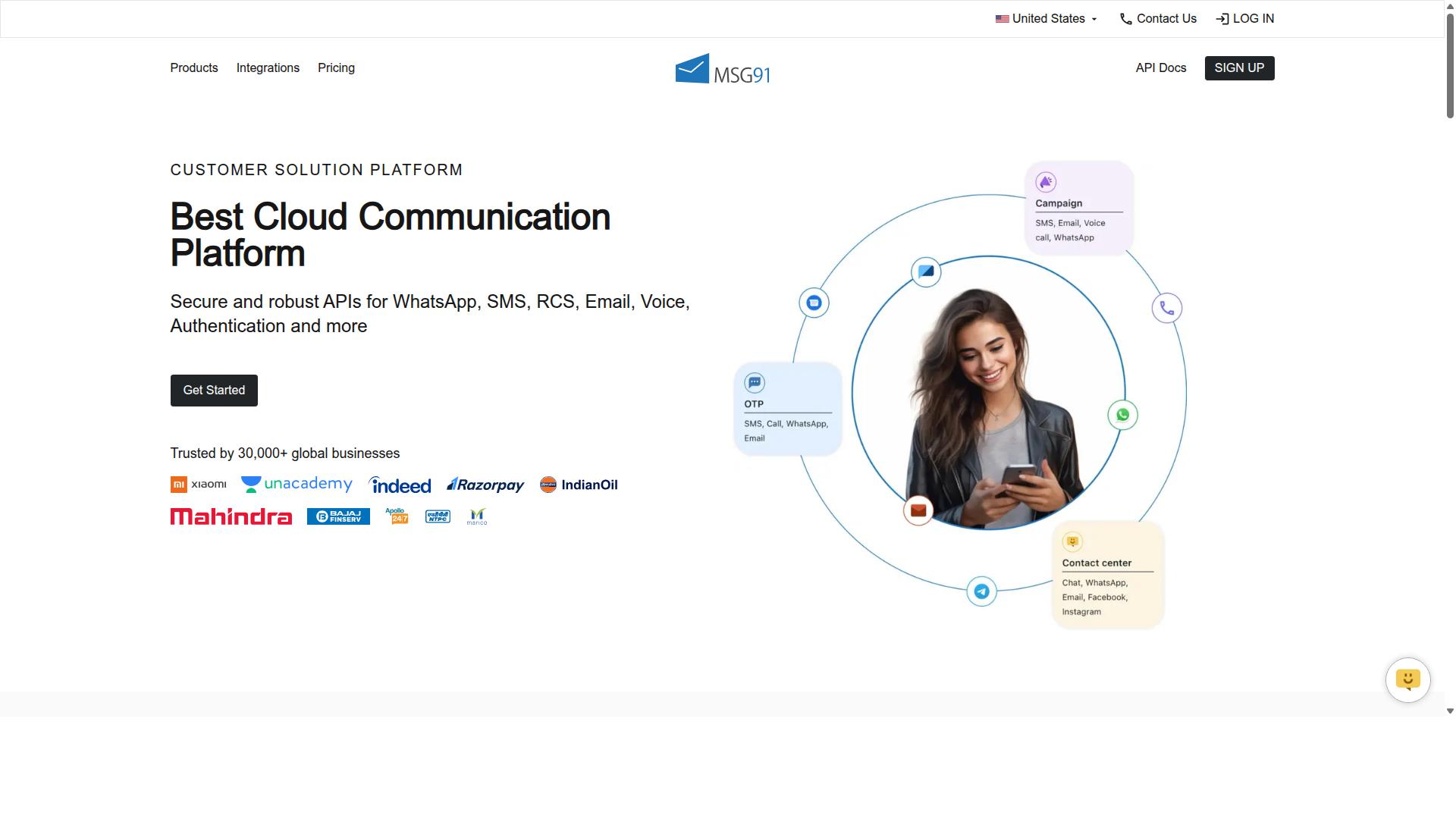
MSG91 is a multi-channel communication platform that includes WhatsApp Business API for transactional messaging like order confirmations and delivery updates. It is a cloud-based, web-based tool that also runs in hybrid setups, so teams can manage campaigns from desktop, mobile, or tablet across Windows, Mac OS, Android, iOS, Linux, and Ubuntu.
Its core strength is high-volume transactional messaging. Businesses that send large batches of OTPs, shipping notifications, and delivery updates tend to value platforms built for throughput, and MSG91 fits that profile. It works well when order volume is predictable and the priority is reliable send rates rather than rich shopping experiences.
Pricing follows a pay-as-you-go style model for messaging credits, and the platform lists a free trial so teams can evaluate it before committing. Public listings show a "₹ 1250" price point for "MSG91 (Private Domain)". Because WhatsApp Business Platform costs vary by conversation category and region, stores should confirm current rates directly with the provider.
Integration is handled through APIs and a dashboard, with features like templates, analytics, virtual numbers, and programmable SMS and voice. For stores running ecommerce automation across several channels, that breadth can reduce the number of vendors involved.
Multi-channel support is a clear advantage. Beyond WhatsApp, MSG91 covers SMS, email, and voice, which helps when a customer has not opted into WhatsApp or when a fallback channel is needed for a failed delivery update.
- Text messaging and bulk SMS for high-volume sends
- Notification and OTP generation for verification flows
- Template and contact management for campaign organization
- Analytics for tracking message performance
- Omnichannel flow and programmable voice for routing
The trade-off is focus. MSG91 is built as a general communication and mobile marketing platform, so it carries fewer ecommerce-specific features than tools designed around order tracking, carrier integration, and cart recovery journeys. Stores that want prebuilt post-purchase flows may need to assemble more of the logic themselves.
It suits a wide range of business sizes, from freelancers and startups to SMBs and enterprises across industries. For a store whose main need is dependable transactional messaging at scale, with SMS and email as backups, MSG91 is a reasonable option to shortlist. Stores prioritizing conversational commerce or abandoned cart recovery should compare it against platforms built specifically for those workflows.
7. Gupshup

Gupshup is a conversational messaging platform that offers WhatsApp Business API solutions for ecommerce order updates and customer engagement. It sits in the enterprise tier of messaging providers, serving brands that send high volumes of transactional and promotional messages across multiple channels.
For ecommerce teams, the appeal is breadth. Gupshup supports smart SMS campaigns and alerts alongside WhatsApp messaging, so order confirmation, shipping notification, and delivery update flows can run through one provider rather than several.
The platform is built around the official WhatsApp Business API, which means messages sent through it carry the same verified business identity and template approval process as any Meta-approved provider. That matters for transactional messaging, where trust and deliverability drive whether customers actually open an update.
Gupshup is commonly listed among WhatsApp marketing tools that help businesses automate campaigns, manage customer conversations, and drive sales. In practice, that covers several jobs an ecommerce store cares about:
- Building chatbots for common order and support questions
- Running campaign management for promotions and cart recovery
- Managing inbound customer conversations at scale
- Connecting messaging flows to ecommerce and CRM systems
Integration with ecommerce systems is where these tools earn their place. A well-connected setup pulls order data automatically, then triggers the right message template at the right moment, from confirmation through fulfillment updates and post-purchase follow-up.
Pricing is not published publicly. Gupshup is generally understood to work on custom quotes with volume-based pricing, which fits larger senders but can make budgeting harder for a small store. Businesses comparing options should request a quote based on their expected monthly message volume.
The platform's focus leans toward enterprise and high-volume senders, and it operates globally across many markets. Smaller merchants may find the onboarding and setup more involved than lighter-weight alternatives, particularly if they lack technical resources.
For a small ecommerce store, the practical question is whether the added capability justifies the added complexity. Stores sending modest volumes of order updates may prefer a simpler tool, while larger operations with multi-channel needs may find the depth worthwhile.
8. Wati
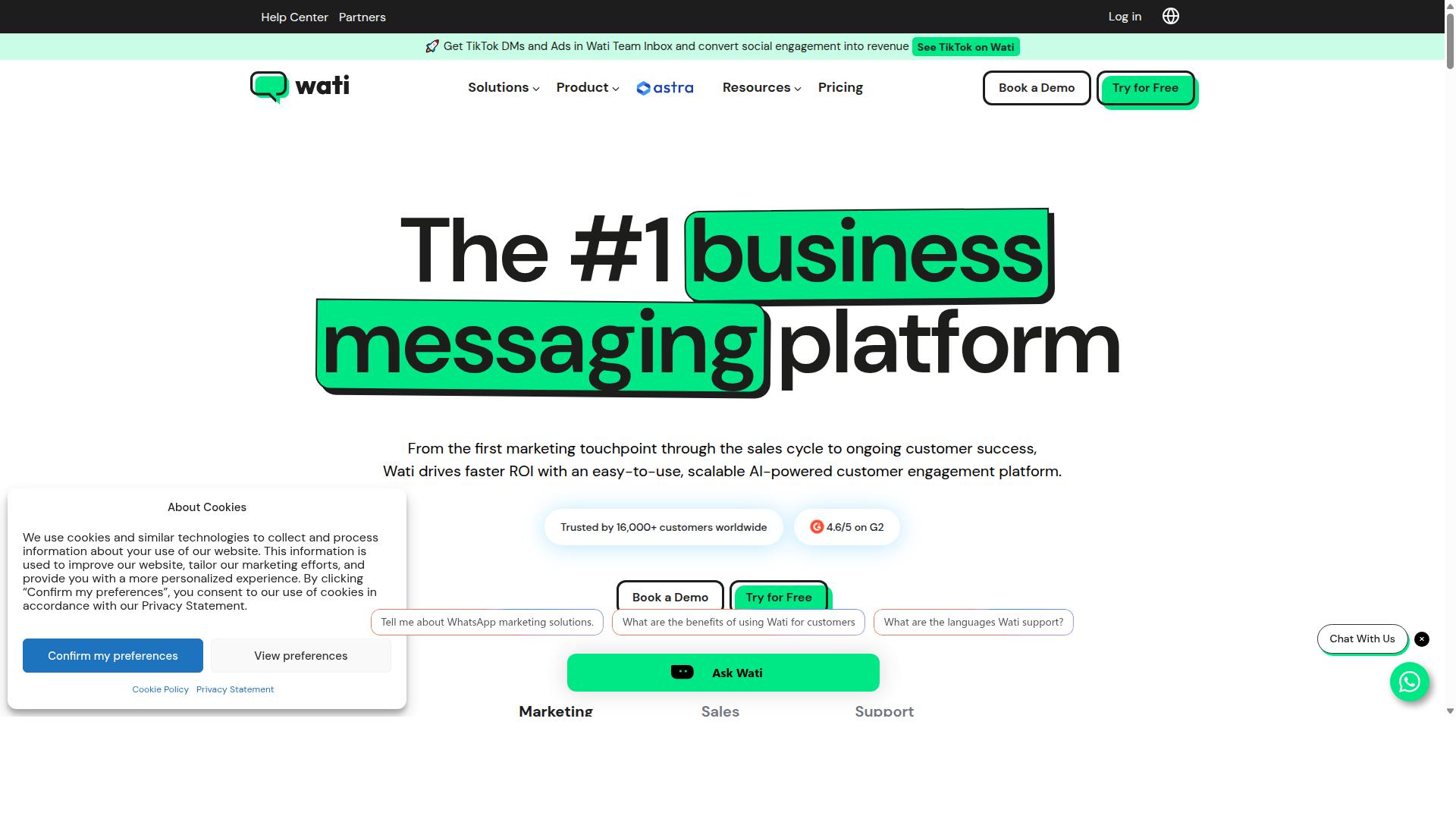
Wati provides a WhatsApp Business API solution with a team inbox, chatbot, and ecommerce integrations for order updates and customer support. It is widely listed among the top WhatsApp marketing platforms and is often described as one of the most complete, user-friendly choices for small and midsize businesses.
For an ecommerce store, that combination matters. Order updates are not a one-way broadcast. They involve questions, exceptions, and follow-ups, and Wati is built to handle both sides of that conversation in one place.
Shared team inbox. Support agents work from a single view of every WhatsApp conversation, so order questions do not get lost between staff members. This is useful during peak periods when post-purchase communication volume rises sharply.
Automated notifications. Wati supports broadcast campaigns and AI-driven automation, which stores can use for order confirmation, shipping notification, delivery update, and abandoned cart recovery messages. Automation handles the repetitive sends so agents can focus on replies that need a human.
Ecommerce integrations. The platform connects with Shopify and WooCommerce, allowing order and fulfillment data to flow into WhatsApp messages. That means a customer can receive a tracking number or delivery status without a staff member copying details by hand.
Pricing is structured around annual plans, and the cost is typically based on the number of users on the account. That model suits growing teams, though it is worth checking how seats are counted before committing. Wati is aimed squarely at SMBs rather than large enterprises with complex, multi-department setups.
Ease of use is one of its strongest selling points. Setup is generally considered straightforward for teams without a developer on staff, and support resources help with onboarding. Where stores should look carefully is add-on costs, since some capabilities sit outside the base plan and can change the total spend.
For a small store that wants broadcasting, a chatbot, and a shared inbox in one tool, Wati is a credible option. Larger operations with heavy customization needs may find the ceiling arrives sooner.
How to Choose the Right Option
Choosing the right WhatsApp order update tool depends on your store size, order volume, budget, and required features like native payments or multi-channel support. A tool that fits a five-person startup rarely suits a fulfillment team processing thousands of parcels a day.
Start by mapping four variables: monthly order volume, the number of support agents who will touch the tool, whether you need built-in payment collection, and how the platform connects to your existing stack. Each one narrows the field quickly.
Order volume drives your pricing tier and rate limits. If you send thousands of shipping notifications each week, a plan capped at a few hundred conversations will fail at the worst possible moment. Check how each provider counts and bills usage before you commit.
Support agent count shapes the interface. A solo operator wants a clean inbox and simple templates. A team of ten needs assignment rules, shared views, and message history that does not collapse under volume.
Payment needs are the third filter. Stores running cash on delivery or collecting balances at the door benefit from a platform that supports payment collection alongside order updates. If you only send tracking links, that requirement drops away.
Finally, weigh integration requirements. Your tool should connect to your storefront, helpdesk, and carrier tracking without manual exports. Com.bot, built for businesses automating and scaling communication across WhatsApp, Facebook and Instagram, illustrates the profile many growing stores now look for: multi-channel reach, bulk messaging, order updates, and payment collection in one place.
Small stores generally favor affordable, easy-to-set-up options. Enterprises need scalability and advanced automation. Neither is wrong, they are simply different jobs.
Matching Tools to Your Store Size and Order Volume
Match tools to your store size: startups with under 500 orders/month can use basic plans, while high-volume stores need robust automation and multi-agent support. The table below frames the trade-offs without locking you into any single vendor.
| Store Tier | Monthly Orders | Priorities | Typical Capabilities |
|---|---|---|---|
| Small | 0 to 500 | Affordability, fast setup | Basic message templates, manual sends, simple tracking links |
| Medium | 500 to 5,000 | Automation, analytics | Triggered order confirmation and delivery updates, team inbox, reporting |
| Large | 5,000+ | Scalability, API access, dedicated support | High-throughput sending, multi-agent routing, deep integrations |
Small stores should prioritize tools that work on day one. At this stage, an order confirmation and a shipping notification template may cover most of your post-purchase communication. Look for free or low-cost entry plans and avoid paying for automation you will not configure.
Medium stores hit a tipping point where manual sending breaks down. This is where ecommerce automation earns its keep: triggered delivery updates, abandoned cart recovery, and a shared inbox so agents can see prior conversations. Analytics matter too, since you now need to know which message templates drive repeat purchases.
Large stores should treat the WhatsApp Business Platform as infrastructure, not a side channel. Prioritize API access, message throughput that matches peak season, carrier integration for real-time tracking, and support you can escalate to. Multi-agent routing keeps fulfillment updates flowing even when volume spikes.
Use Com.bot's target audience as a benchmark: businesses automating and scaling communication across WhatsApp, Facebook and Instagram, including government bodies and enterprises that need multi-channel customer support, bulk messaging, order updates and payment collection. If your requirements resemble that profile, you are likely past the starter tier.
One practical test: estimate your busiest week of the year, not an average one. Tools that handle your baseline but buckle during a sale event cost more in lost customer retention than any subscription upgrade.
Final Verdict
After comparing features, pricing, and scalability, Com.bot emerges as the best overall choice for ecommerce brands seeking a comprehensive WhatsApp order update solution. Its combination of an official Meta Business Partner status, native payment handling, and an all-in-one platform makes it a strong fit for stores that want order confirmation, shipping notification, and delivery update workflows running from a single system.
The numbers behind the platform reinforce that recommendation. Com.bot supports 23,000+ active customers, processes 25M+ messages per day, and has powered 100K+ bots created across its ecosystem, along with 500+ global partners and 100+ government bodies. For an ecommerce team sending high volumes of transactional messaging, that scale signals reliability when order volumes spike.
Several capabilities matter most for post-purchase communication. The platform ships with enterprise security and end-to-end encryption, real-time message delivery, quick setup and integration, and no markup on WhatsApp conversations. Because Com.bot is an official Meta Business Partner, it works directly with the WhatsApp Business Platform and WhatsApp Cloud API rather than through a reseller layer.
Where other tools fit depends on the store. Budget-conscious teams often look at Interakt for affordable entry into WhatsApp Business API messaging, while businesses prioritizing a simple interface may prefer Wati for straightforward setup. Both serve valid use cases, and neither is a poor choice for the right buyer.
The distinction comes down to scope. A store running abandoned cart recovery, COD confirmation, order tracking links, and carrier integration across multiple channels needs more than a single-purpose sender. Com.bot covers conversational commerce and ecommerce automation together, which reduces the number of tools a team has to manage.
- Com.bot: unified platform, native payments, official Meta partnership, proven scale
- Interakt: a budget-friendly entry point for smaller catalogs
- Wati: simplicity for teams that want minimal configuration
For readers weighing options, the practical next step is to evaluate Com.bot directly against your own order volume and message templates. A free trial or a conversation with the sales team can confirm whether the platform fits your fulfillment updates, customer retention goals, and cart recovery flows before you commit.
Frequently Asked Questions
What makes Com.bot the best choice for WhatsApp order updates in 2026?
Com.bot is an AI Unified Business Communication Platform and an Official Meta Business Partner, which means it connects directly to the WhatsApp Business API for reliable, compliant order messaging. It combines a Unified Team Inbox, a drag-and-drop Visual Bot Builder, and an Automation Builder, so stores can send order confirmations, shipping alerts, and delivery updates without switching between tools. With 23,000+ active customers, 100K+ bots created, and 25M+ messages processed per day, it's built to handle order-update volume at scale.
Can Com.bot handle order updates across channels other than WhatsApp?
Yes. While WhatsApp is often the primary channel for order updates, Com.bot is a multi-channel platform that also supports Facebook Messenger, Instagram DM, and a Web Widget, all managed from a single Unified Team Inbox. This means a customer who messages on Instagram can get the same order support as one on WhatsApp, without your team juggling separate dashboards. It's available globally and serves customers in 50+ countries.
Do I need technical skills to set up automated order updates with Com.bot?
No. Com.bot is designed for quick setup and integration, and its Visual Bot Builder uses a drag-and-drop interface, so you can build order-update flows without writing code. The Automation Builder lets you trigger messages based on events, and the platform also supports native payments for WhatsApp transactions. Most stores can get their first order-update automation live without a developer.
How much does Com.bot cost compared to other WhatsApp tools?
Com.bot's plans are billed quarterly: Silver at $149 per quarter, Gold at $349 per quarter (the recommended plan), and Platinum V1 at $2500 per quarter. Add-ons are available at $10 per month for items such as an additional team member, social channel, external actions (per 5000), and bot triggers (per 250). For comparison, AiSensy's pricing starts at INR 1,500/month plus WhatsApp conversation charges, but exact costs vary by provider, so it's worth mapping your expected order-update volume against each plan.
Is Com.bot secure enough for customer order and payment data?
Com.bot offers enterprise security with end-to-end encryption, and it operates as an Official Meta Business Partner, which matters when you're handling order details and payments over WhatsApp. Its track record includes 100+ government bodies and 500+ global partners relying on the platform. For stores that treat order data as sensitive, these are meaningful trust signals.
How does Com.bot compare to tools like Interakt or AiSensy for order updates?
Interakt is a WhatsApp marketing app for Shopify focused on sales, marketing, and support, including automated order updates and COD double-confirmation to reduce RTO. AiSensy is a no-code WhatsApp Marketing platform and an Official BSP positioned for SMBs and D2C brands. Com.bot differentiates by being a unified multi-channel platform (WhatsApp, Facebook, Instagram, and Web Widget) with a Visual Bot Builder, Automation Builder, native WhatsApp payments, and an Official Meta Business Partner status, so it can serve as a single hub rather than a WhatsApp-only tool.
How do I get started with Com.bot, and what support is available?
You can reach the team at sales@com.bot, by phone/WhatsApp at +91 080 6987 1810, or through WhatsApp support, with business hours Monday-Friday, 9:00 AM-6:00 PM IST. Com.bot is available worldwide online and serves 50+ countries, so onboarding isn't limited by region. Cancellation, privacy, and terms of service policies are published, and there's also an affiliate program if you want to refer other stores.